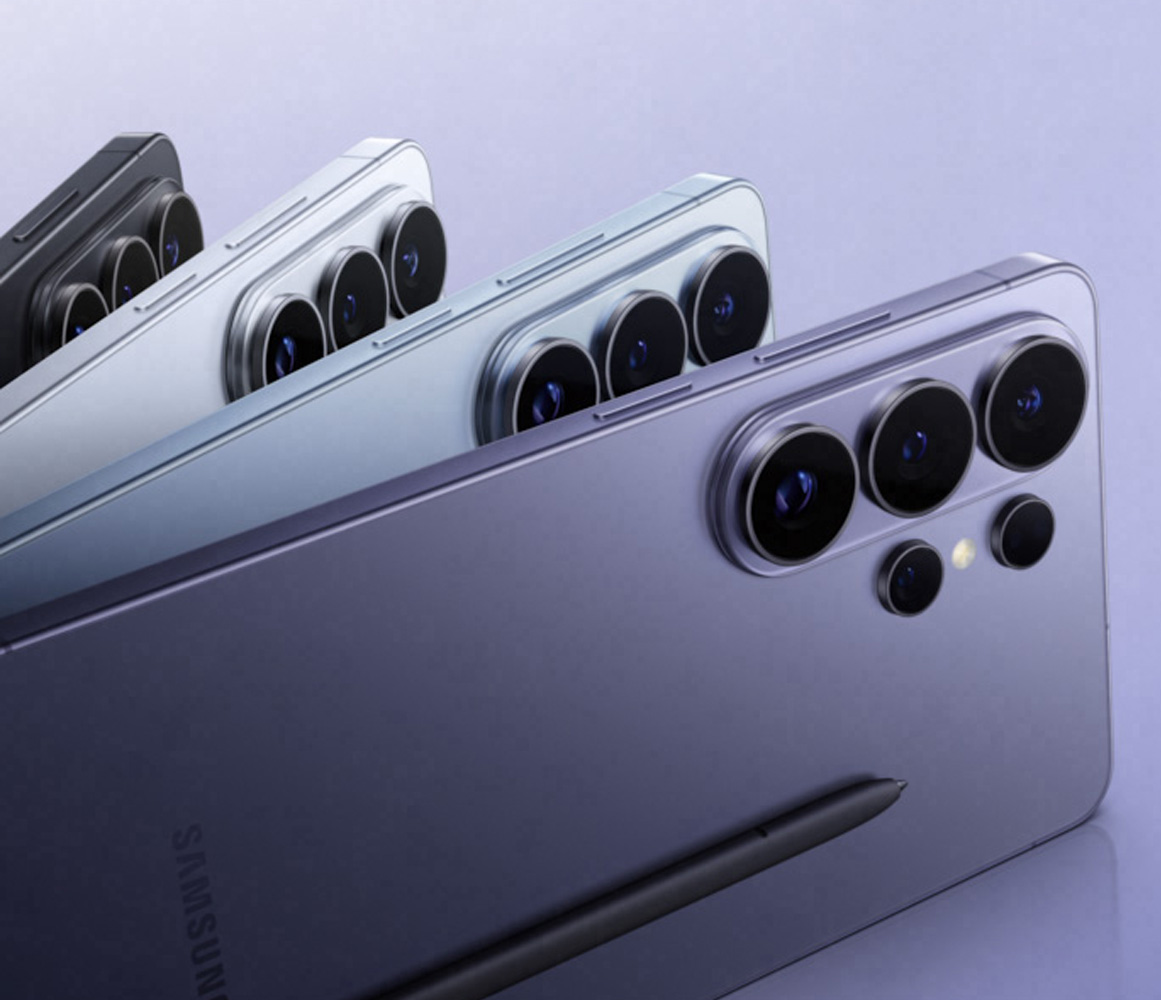
Introducing the new AI Phone
Privacy Display
With the built-in Privacy Display feature, you decide whether to hide your entire screen, specific applications, incoming notifications, or PINs, patterns, and passwords when accessing Settings, Lock Screen, and Secure Folder.*
*The Privacy Display feature can be activated from Settings and controls the viewing angle of the screen to limit its visibility from the side. Other specific applications can also be enabled in Settings. Some changes in image quality may occur outside the viewing angle. Depending on the viewing environment, such as angle or brightness, some information may be visible to others. Caution is advised when sensitive information is disclosed.